No products in the cart.

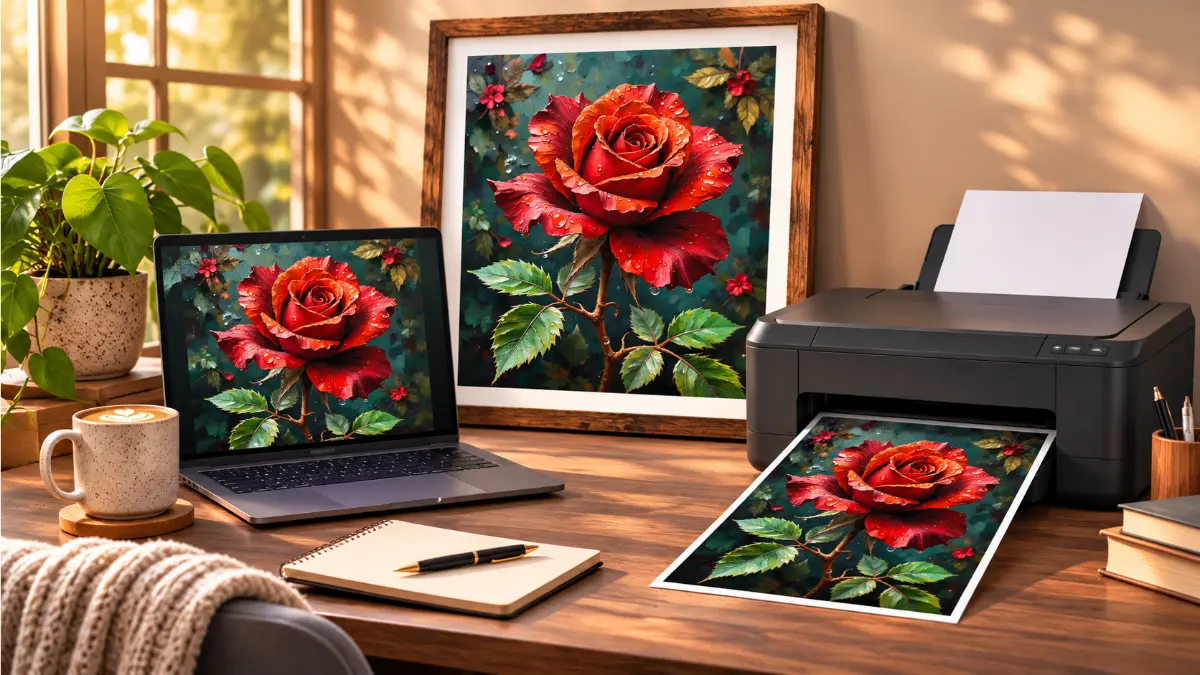
If you’ve been browsing for wall art online, you’ve probably bumped into the phrase “digital download” and wondered what exactly you’d be getting. Is it a poster? A file? Do you need special software? Will it actually look good on your wall, or will it come out blurry and sad?
Fair questions, all of them. Digital wall art is a really simple idea once it clicks, and it’s one of the most affordable ways to make a home feel finished. So let’s walk through it properly, from what it is to how you get it from your inbox onto your wall.
So, What Is Digital Wall Art?
Digital wall art is artwork that comes to you as a high-resolution digital file instead of a physical print. Rather than waiting for a tube to arrive in the post, you download the file and print it yourself at home, or send it off to a print shop or lab.
You buy it once and download it instantly. After that, the file is yours to print as many times as you like, at whatever size suits your space. There’s nothing to ship, nothing to get crushed in transit, and no waiting around for a courier.
Think of it like buying a song instead of a CD. You’re paying for the artwork itself, and you control the paper, the size and the frame, which is exactly the control professional framers have always had.
How It Works, Step by Step
The whole process is quicker than most people expect. Here’s what it looks like with SliqArt:
- Browse and buy. Find a piece you love, whether that’s botanical and floral art or coastal and nautical prints, and check out. It usually takes less than two minutes.
- Download your file. Right after payment, you’ll get an email with a download link. Your files arrive as a .7z archive, which is just a compressed folder holding your high-resolution print files.
- Extract the archive. On Windows, right-click the .7z file and choose “Extract Here”. You may need 7-Zip, which is free. On a Mac, The Unarchiver (free on the App Store) does the job.
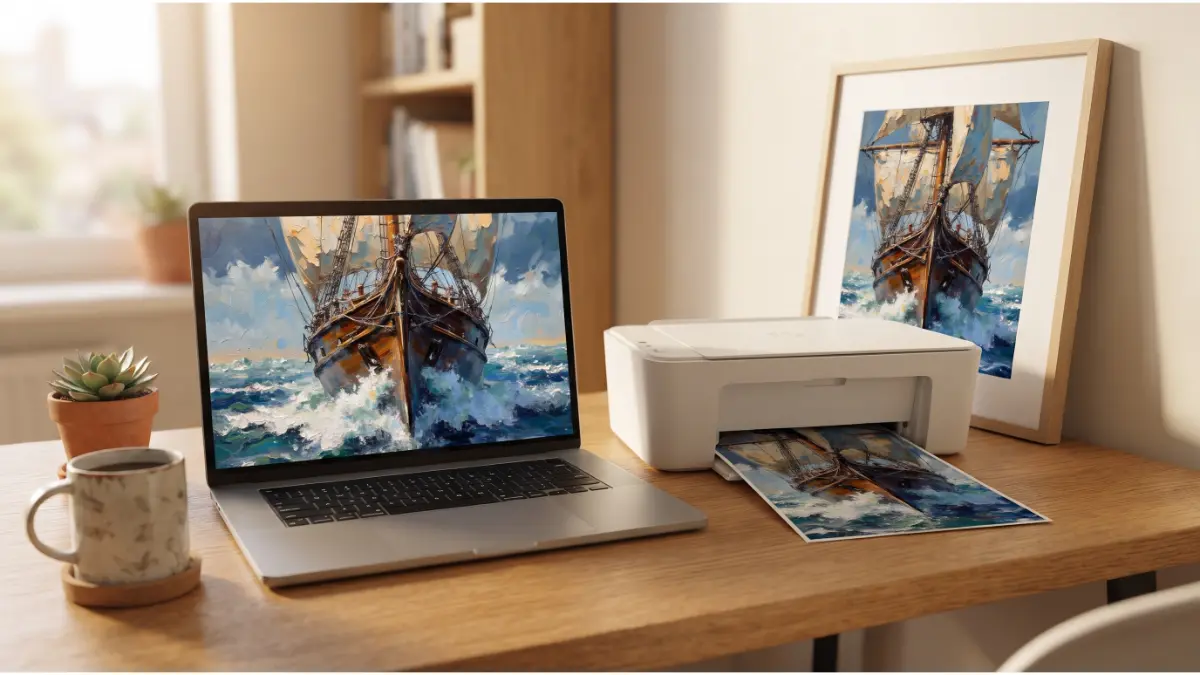
- Choose how to print. Print at home on an inkjet or laser printer, or upload the file to a professional print lab.
- Frame and hang. Pop the print into a frame and it’s ready for the wall.
That’s genuinely it. The only step that trips people up is the .7z file, and it’s quick once you’ve done it once.
Why People Love It
A few reasons keep coming up when people explain why they’ve switched to digital art.
It’s affordable. Because there’s no printing, packaging or shipping on our side, digital art costs a fraction of what a framed print or original painting would. That makes it much easier to decorate a whole home without blowing the budget.
It’s instant. Moving in on Saturday? Have art up by Sunday.
It’s flexible. The same file works at lots of different sizes. If you move house, repaint, or just want something bigger, you can print it again without buying it twice.
It’s easy to refresh. Lots of people like to swap art out with the seasons or whenever they get bored. With digital files, that’s cheap and simple.
Printing at Home
Most modern inkjet printers do a surprisingly good job with wall art, especially at smaller sizes. A few things will help you get the best result:
- Use a heavyweight matte paper (around 200 gsm or more) for a fine-art gallery look, or glossy photo paper for vivid, punchy colour. Heavier paper also stays flatter in the frame.
- Set your printer to its highest quality setting. It takes a little longer, but it’s worth it.
- Stick to sizes up to A3 (about 11.7 × 16.5 inches). Most home printers can handle that. For anything larger, a print lab is the better bet.
Here’s something every printer learns early: screens are backlit, paper isn’t, so prints almost always look a touch darker than on your monitor. Do a small test print on plain paper first to check colour and cropping before you use the good stuff.
Using a Professional Print Lab
For larger prints, roughly 16 × 20 inches and up, a professional lab will give you the best finish. You upload your file to their website, pick your size and paper, and they print it and send it to you.
Well-known options include Shutterfly, Nations Photo Lab (in the US) and Snapfish. Don’t overlook your local print shop either. Many offer large-format printing, and being able to talk to a real person about paper options can be really handy.
If you’ve never used a lab, it’s about as complicated as uploading a photo to social media. Ask whether they print with archival pigment inks. They resist fading far better than standard dye inks, which matters for anything hanging near a window.
What Sizes Can I Print?
Because you’re working with a high-resolution file, you can print at any standard size, from a little 4 × 6 desk print right up to a 24 × 36 feature-wall poster. The same file works for all of them.
Not sure what size you need? Our print size guide has simple rules for sofas, beds and empty walls, plus a handy chart of standard sizes.
Is It Legal to Print Multiple Copies?
Yes. When you buy from SliqArt, you get a licence to print for personal and commercial display. That means you can print as many copies as you need for your home, your office, or a commercial space like a café or salon.
What you can’t do is resell or share the digital files themselves. The licence covers printing and displaying, not redistributing.
File Format and Quality
All SliqArt files are delivered as high-resolution JPGs inside a .7z archive. They’re sized to give you a sharp, detailed print even at the largest sizes we offer, so there’s no pixelation or blurring to worry about.
One thing to keep in mind: the final look also depends on your printer, paper and settings. Good paper and a high-quality print setting make a noticeable difference, so it’s worth spending a little extra there.
Is Digital Wall Art Right for You?
If you want beautiful art without paying gallery prices, like having control over size and framing, or simply hate waiting for deliveries, digital art is a brilliant fit. It’s also perfect for renters, students and anyone who likes to change things up.
If you’re curious how it stacks up against buying an original piece, have a read of our comparison of digital art vs original art.
Otherwise, browse our digital wall art collection. Pieces like the Minimalist Sage & Terracotta Organic Abstract are a great first print. Once it’s printed, our framing guide will help you finish it properly.
Frequently Asked Questions
Do I need special software?
Only a free tool to extract the .7z archive, such as 7-Zip or The Unarchiver.
Can I print my art more than once?
Yes. Your licence covers as many copies as you need for personal and commercial display.
What paper should I use?
Heavyweight matte for a fine-art look, or glossy for vivid colour.
Comments are closed